ACTITOP
ACTITOP Digital Camera for Photography 8K 88MP Autofocus WiFi Vlog Dual Camera for YouTube with 32GB Card,16X Digital Zoom Touch Screen Video Camera
ACTITOP Digital Camera for Photography 8K 88MP Autofocus WiFi Vlog Dual Camera for YouTube with 32GB Card,16X Digital Zoom Touch Screen Video Camera
Couldn't load pickup availability
Why choose ACTITOP 8K Digital Camera for Photograpy Wifi Vlogging camera for YouTube?
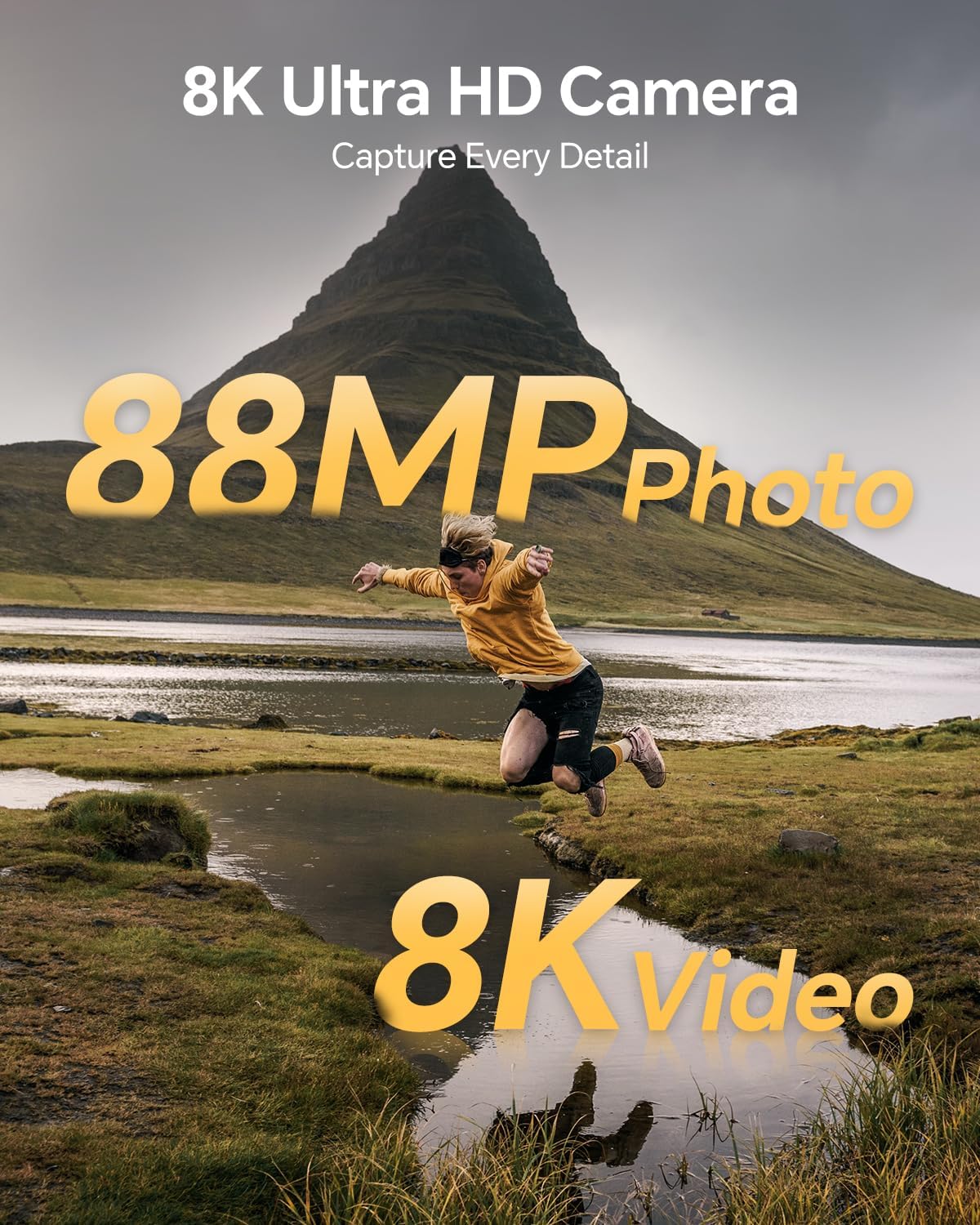
✔ This digital Camera has dual front and rear cameras, 8K 88MP Camera features a Sony IMX586 Sensor, with autofocus support;
✔ This camera has a 3.2-inch, 1024*768 IPS HD touchscreen display;
✔ digital cameras support Wifi image transmission and HDMI output for clearer pictures;
✔Camera for Photograpy has a built-in high power LED flash, has an external hot shoe mount, supports external microphone, and can also be connected to an external flash;
✔ camara fotografica has a built-in 6-axis gyroscope and supports electronic stabilization;
✔vlogging camera comes with a battery charging cradle, no need to use the camera to charge the battery.
Specification:
Photo Sensor Technology :CMOS
Supported File Format :JPEG, MP4
Wireless Technology :Wi-Fi
Image Stabilization :Digital
Maximum Focal Length :140 Millimeters
Maximum Aperture :3.9 f
Expanded ISO Minimum :100
Maximum Webcam Image Resolution :88 MP
Special Feature:Selfie Lens, Anti-Shake, Built-In Microphone, Interval Recording, Self Timer, Time-lapse, Webcam
Specific Uses For Product :Travel, Vlogging, Personal
Ideal for Birthday, Christmas, New Year, Back to School( For school photography projects), Graduation Ceremony, Wedding Anniversary, ect, Perfect for Indoor/Outdoor Shooting/Recording.
Package List:
1 X 8K Digital Camera; 1 X 32GB SD Card; 1 X lens hood; 2 x Rechargeable batteries; 1 x Battery Charging Stand; 1 x Lens Cap; 1 x Type-C Cable:1 xHDMI Cable; 1 x Adapter; 1 x Camera Pouch; 1 x lens/LCD screen cleaning cloth; 1 x Camera Wrist Strap; 1 x User Manual
Warm Tips:
①When you use this digital camera for the first time, please read the manual carefully and format the memory card with this camera.
②Don't mistakenly click on the format options during using. Once the SD card is formatted, you should not format it again. (Only format new SD cards for the cameras use the first time)
③As a suggestion, you’d better backup the photos to your computer from time to time.
④If you want to reformat the SD card, it is recommended to backup your pictures on a computer first because reformatting will erase any pictures remaining.
Share